How a virtual assistant can transform your customer service
Virtual assistant: understand how it works, what tasks it performs, and how to apply the technology to improve your company's service.

Listen to the article
Understand how a virtual assistant interprets requests, executes tasks, and improves service, as well as discovering where this technology can make a difference in your business.
Quick response
A virtual assistant is a system or professional that provides remote support via text or voice. In the context of artificial intelligence, it interprets natural language, consults information, answers questions, and can execute tasks connected to other systems. For small and medium businesses, its utility mainly appears in customer service, organizing requests, capturing contacts, and guiding customers outside of business hours. The best results depend on a well-prepared information base, clear boundaries for automation, and escalation to a person when the situation requires analysis, negotiation, or sensitivity.
Summary
- A virtual assistant can be a remote person or a system based on artificial intelligence.
- The intelligent version combines AI, machine learning, and natural language processing to interpret requests.
- The main business applications are in customer service, task organization, and opportunity capture.
- A good implementation starts with clear objectives, reliable information, testing, and a transfer route to human support.

What is a virtual assistant?
A virtual assistant is a resource that interacts with people via text or voice to answer questions, guide users, and perform tasks. It can be a professional working remotely or software with artificial intelligence, depending on the context in which the term is used.
The term virtual assistant encompasses two different ideas. On one side, there is the remote professional who provides administrative, financial, technical, communication, or marketing support for a company. On the other, there is the digital system that converses with users and automates part of the operation. Separating these meanings avoids misunderstandings when hiring or implementing the solution.
A professional acts with judgment, context, and responsibility regarding their deliverables. They can organize documents, manage emails, schedule appointments, update spreadsheets, answer calls, and interact with a brand's community. Indeed describes this role as a remote activity, with responsibilities varying according to the position, sector, and skills of the hired person.
On the other hand, the technology-based virtual assistant operates through a conversational interface. The client types a question on the website or speaks to a device, and the system identifies the intent, searches for an answer, and, when permitted, takes action. Docusign defines these assistants as solutions that interact via text or voice, with or without artificial intelligence.
The intelligent assistant goes beyond a rigid script. According to Docusign, it can understand natural language, learn from past experiences, and handle complex tasks. This does not mean it has human judgment in every situation. It means it can interpret variations in language and conduct conversations that are more flexible than a fixed sequence of buttons.
For a small business, the practical difference lies in the objective. If the need is to organize a schedule, respond to messages, and prepare documents, a professional can take on the work. If the demand involves repetitive questions, contact triage, and immediate guidance, an automated system can serve as the first layer of support. In many cases, both formats complement each other.
NaInter.net understands the virtual assistant as part of a useful digital presence: an AI resource that helps the website respond to visitors, present business information, capture conversations, and forward contacts to the company's WhatsApp. Technology should facilitate access to the business, not create a barrier for those needing help.
Have a professional website working for you 24/7
Let the Artificial Intelligence of NaInter.net create the perfect showcase for your business to attract customers every day.
How does a virtual assistant work?
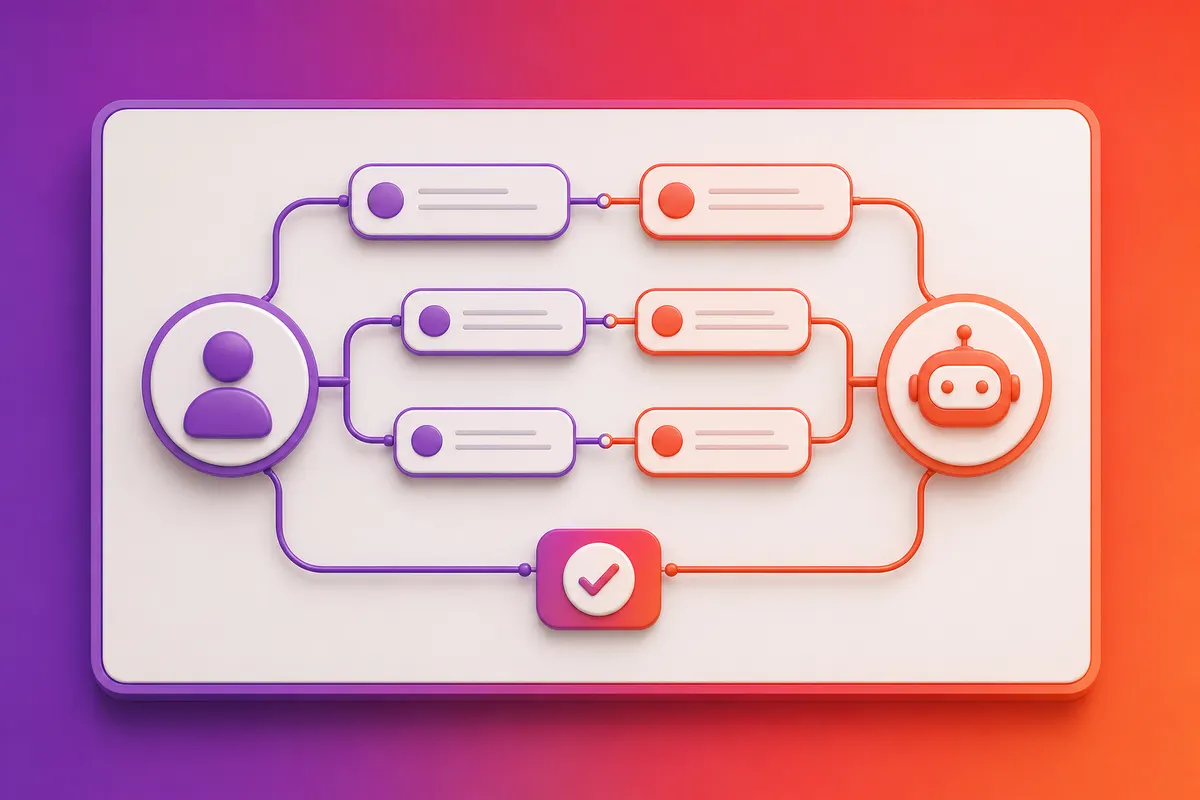
The operation combines a conversational interface, language interpretation, access to information, and action execution. In an AI solution, the system analyzes the request, identifies the intent, formulates a response, and forwards the case when it cannot resolve it safely.
Everything starts with the incoming message. The user can ask about hours, location, price, availability, deadlines, or a service step. The message can arrive via text or voice but needs to be transformed into information that the system can analyze. The clearer the question and the better organized the knowledge base, the more consistent the response tends to be.
Next comes interpretation. Natural language processing technologies, known by the acronym NLP, help recognize the meaning of different expressions. Machine learning contributes to identifying patterns and improving understanding with use. Docusign points out AI, machine learning, and NLP as technologies present in intelligent virtual assistants.
The next step is consulting the context. The system looks for authorized data about the company, its services, hours, policies, location, or frequently asked questions. Instead of responding with generic information, it should use the content that has been configured for that business. If it cannot find sufficient information, it needs to acknowledge the limitation and offer an appropriate alternative.
When the response requires action, integrations come into play. The assistant can collect names and contacts, register a request, forward a conversation, guide a scheduling, or send the user to an appropriate channel. Quality depends not only on the conversation but also on the connected systems receiving the data correctly and the team knowing what to do with each referral.
Consistency is an important advantage for small operations. Docusign states that virtual assistants maintain uniform quality in responses and tasks, regardless of the day or demand. This helps reduce forgetfulness and differences between attendants, as long as the information is up to date and content is reviewed.
The conversation design should include boundaries. Simple questions can be automated, but conflicts, delicate complaints, negotiations, financial decisions, and situations involving sensitive data require a clear route to human support. It is also important to inform the visitor when they are conversing with automation and to ask only for the necessary data for the purpose of the support.
Implementation can be gradual. Start with a limited set of frequently asked questions, observe where people abandon the conversation, and review the responses that cause confusion. Then, connect new tasks and channels. This process is safer than trying to automate the entire operation without understanding the main needs of the customers.
- Define which questions and tasks the assistant should address first.
- Gather and review official information about services, hours, location, and policies.
- Choose the entry channels and necessary integrations to receive and forward requests.
- Set up responses, action limits, and transfer to a team member.
- Test real conversations, fix issues, and track unresolved requests.

What are the functions of a virtual assistant?
The functions of a virtual assistant range from answering questions and organizing contacts to supporting administrative routines and executing integrated tasks. In customer service, it works best as a quick, informative first layer connected to the human team.
What tasks can a virtual assistant perform?
Tasks depend on the type of assistant and the permissions granted by the company. A remote professional can draft, respond to, monitor, and organize emails, make calls, schedule appointments, transcribe documents, process orders, organize files, and manage spreadsheets. Indeed also includes social media activities, supply purchases, accounting routines, and interaction with brand or product communities.
In an AI system, the focus is often on repetitive, predictable tasks based on structured information. It can answer questions about services, explain how to get to the establishment, present schedules, guide the visitor through the website, summarize a request, and collect the necessary data for the next contact. In a service company, for example, the assistant can understand the type of need, record the message, and forward the summary to the sales team.
Organization is also a valuable function. Instead of leaving requests scattered across different conversations, the assistant can gather intent, contact data, and main subject into a flow. This facilitates prioritization and reduces the time the team spends reconstructing context. The final decision, however, should remain with those who have the authorization and knowledge to make it.
There are internal applications. Technology can help locate information, prepare drafts, remind tasks, and support document analysis. Docusign mentions organizing schedules, reducing financial and legal risks, supporting strategic decisions, and automating support as possibilities for virtual assistants. For small businesses, the recommendation is to start with the activity that consumes the most time and requires the least judgment.
Responsible use requires review. An automatically generated text may need tone adjustments, a time-related piece of information may change, and a request may contain details that should not be exposed. Define who updates the database, who verifies records, and which cases should never be resolved without human intervention. This governance is part of the function, not an afterthought.
How can a virtual assistant help in customer service?
In customer service, the virtual assistant reduces the time between the question and the first guidance. It can welcome the visitor on the website, explain services, answer recurring questions, and guide the person to the right channel. For a business with a lean team, this decreases the concentration of simple questions on a single employee and keeps an entry point open outside of business hours.
Lead generation is another operational gain. Instead of a conversation ending without identification, the assistant can ask for the appropriate data, understand the interest, and forward the history to the team. NaInter.net offers professional websites with AI assistants, space to showcase menus, services, hours, location, photos, social media, and delivery, as well as chat capture and direct sending to the company's WhatsApp.
The experience needs to be objective. The visitor should know what they can ask, receive answers in simple language, and find an exit when automation does not resolve the issue. Short menus, confirmation questions, and summaries before forwarding help avoid rework. For urgent or sensitive requests, the priority should be clarity about who will take over the service.
Continuity also matters. When a team member takes over the conversation, they should receive the context already collected, without forcing the customer to repeat everything. This care brings the efficiency of automation closer to the attention of human service. Technology should not hide the team but better prepare the conversation that truly needs them.
Follow-up should focus on quality, not just volume. Look for unanswered questions, transferred requests, information corrected by attendants, and points where visitors give up. These signals show what needs to be included in the knowledge base and which steps are still complicated.
To avoid frustration, maintain a promise that aligns with the system's actual capacity. Do not present the assistant as capable of resolving any situation. Explain its limits, protect the collected data according to LGPD, and offer accessible contact for requests that require individual analysis. An efficient virtual service is one that resolves simple issues and effectively forwards complex ones.
- Map recurring questions and the tasks that occupy the customer service team the most.
- Write clear answers for each topic and define which information can be collected.
- Create referral paths for sales, support, complaints, and sensitive situations.
- Connect the assistant to the website and the contact channel used by the company.
- Review conversations, update the database, and adjust flows as customers interact.
- Answer frequently asked questions without overloading the team → Start with a knowledge base about services, hours, location, and policies.
- Capture contacts of interested individuals → Set up objective questions and forward the conversation summary to the sales channel.
- Assist visitors outside of business hours → Use a digital gateway that informs, records requests, and explains when there will be human follow-up.
- Automate internal tasks → Choose repetitive activities, define permissions, and maintain oversight by a responsible person.
- Preserve the quality of the relationship → Create a simple transfer to human assistance and review unresolved conversations.
Continue reading

How automation can save time in customer service

How an intelligent virtual assistant can transform your business