How to create a free digital menu with QR Code for your restaurant.
Discover how free digital menu hosting with QR Code works and see the criteria for publishing, updating, and promoting your menu.
Listen to the article
An outdated menu can create friction in service and ordering. Understand how to publish an accessible version via QR Code without turning the operation into a complicated project.
Quick response
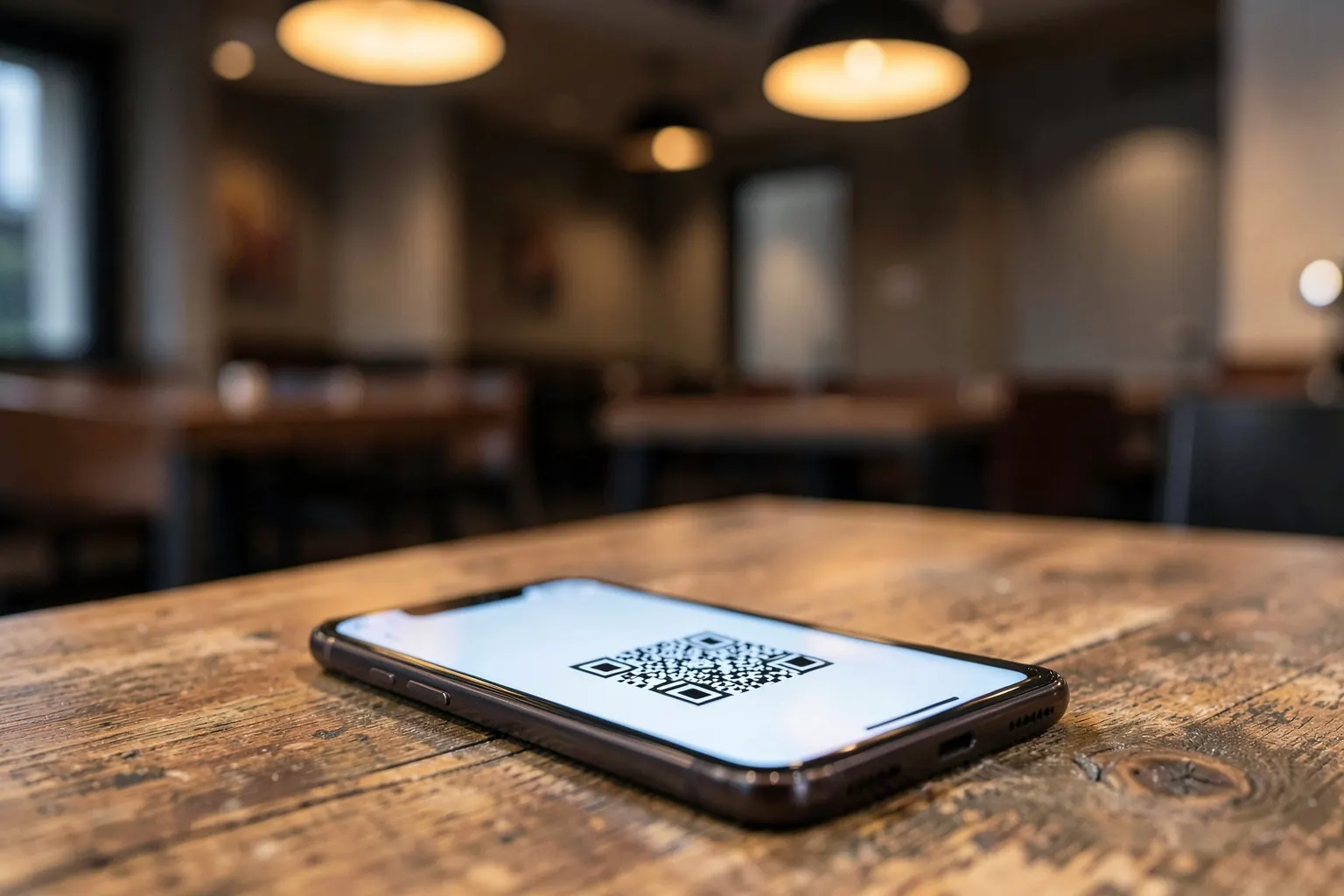
The free hosting of a digital menu with QR Code works like this: the menu is published on a webpage, the address of that page is converted into a QR Code, and the code is placed on tables, counters, packaging, social media, or promotional materials. The customer points their phone's camera, opens the menu, and checks items, prices, photos, hours, ordering methods, and contact channels. For small businesses, the best choice combines simple updates, a mobile-friendly page, a secure address, control over the content, and a clear policy for the link's permanence. Before printing the code, test the scanning and confirm that the menu remains accessible.
Summary
- A QR Code is the gateway to an online page, not the entire menu by itself.
- Free hosting reduces initial costs but requires attention to link permanence, address, and service limits.
- An efficient menu needs to be readable on mobile, easy to update, and clear about prices, extras, availability, and orders.
- Test the entire path before sharing: scanning the code, opening the page, navigating, and contacting the business.
What is a digital menu with QR Code?
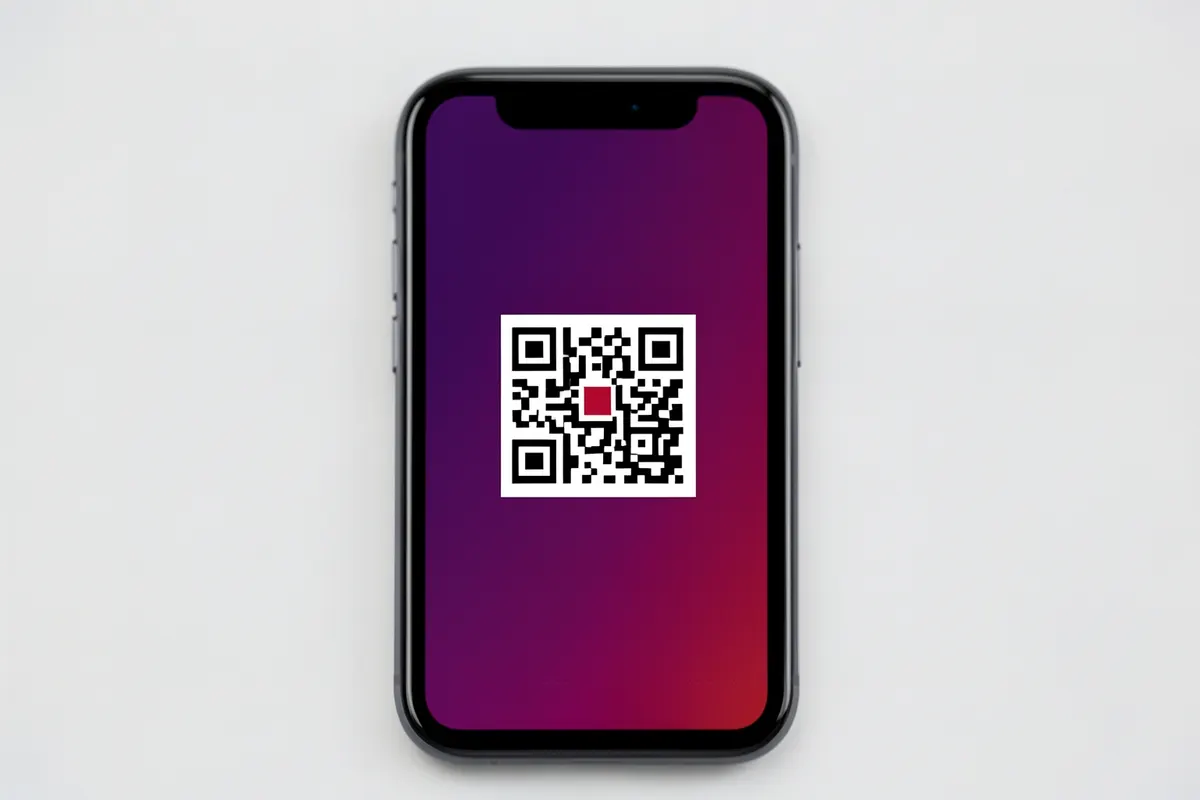
A digital menu with QR Code is an online page that showcases a business's products and can be accessed by pointing a mobile camera at a visual code. The QR Code simply directs the visitor to the hosted address, which is why the quality of the page and the stability of the link are as important as the printing of the code.
In a restaurant, snack bar, café, bar, pastry shop, or food service, the digital menu replaces or complements the printed version. The customer finds categories, descriptions, photos, prices, size options, extras, ingredient warnings, and ordering instructions. The experience happens in the browser, without relying on a sheet that needs to be collected and reprinted with every change.
The path between the code and the menu
The operation depends on two connected elements. First, there is a published page at an internet address. Then, this address is encoded into a square image, formed by patterns that the camera interprets. When scanned, the mobile accesses the destination defined by the code.
The important point is that the QR Code does not store all the menu information by itself. It acts as a bridge. If the page goes offline, changes address without an update, or becomes difficult to use on mobile, the design remains printed but fails to deliver a good experience.
A digital menu is not just a photo in PDF
An image or PDF can be useful in specific situations, but a web page usually offers more flexibility. The content can be organized by categories, have contact buttons, present delivery links, and highlight unavailable items. It also becomes easier to adjust the content without replacing all the physical material.
NaInter.net understands the menu as part of the business's online presence. In addition to hosting the menu, the company offers professional websites that promote services, hours, location, photos, social media, delivery, and virtual assistance with artificial intelligence. The recommendation is to think of the QR Code as an entry point to a complete experience, not as an isolated element.
What are the advantages of a digital menu?
The main advantages are reducing reliance on printed material, speeding up changes, and providing direct access to the menu via mobile. The benefit appears when the page is clear, quick to consult, and connected to the channels the customer uses to ask questions or complete the order.
More practical updates
Prices, availability, weekly flavors, hours, and service conditions change frequently. In an online menu, changes can be made on the published page without discarding piles of printed materials. This is especially helpful for businesses that work with executive dishes, seasonal promotions, or menus that vary based on available ingredients.
However, ease only exists when the tool allows editing content without requiring technical knowledge. Look for a structure where the responsible person can locate the item, modify the information, and review the display before publishing. A simple routine prevents the menu from being different from what the team can actually offer.
Less friction for the customer
The QR Code can appear on the table, at the counter, on delivery packaging, on business cards, and on social media. The customer accesses the same content at different times, whether inside the establishment or before leaving home. This reduces the need to search for the business across various channels to discover products, location, or contact methods.
A well-structured page also answers basic questions before they reach the team. Objective descriptions, indication of extras, information about availability, and ordering instructions make the conversation more efficient. When the business offers support via WhatsApp or a virtual assistant, the menu can serve as a starting point for that interaction.
More consistent presentation
A well-designed digital menu maintains visual identity, categories, and information in one place. Well-lit photos, standardized names, and careful descriptions help the customer compare options. The result is more professional than scattering loose images in messages or publishing different information on each channel.
Consistency also makes the team's work easier. When everyone consults the same page, the chance of someone sending an old price or indicating an item that is no longer available decreases. To deepen this care, see the best practices for creating an effective online menu and use the content as a reference to review the page.
Reach beyond the physical point
The QR Code doesn't have to be limited to tables. It can be shared in posts, stories, packaging, partner materials, and customer service messages. This way, the menu becomes an entry page for those who are still getting to know the business and for returning customers who want to quickly check the menu.
This presence also favors the discovery of the establishment when the page has useful information and language aligned with local audience searches. It is not necessary to turn the menu into a long text. The essential thing is to present what the customer is looking for clearly and offer a visible next step, such as contacting via WhatsApp, checking the location, or accessing the ordering channel.
More organized operation
A centralized page allows aligning what appears to the public with what the team sells. Before publishing a change, the responsible person can check names, prices, add-ons, and instructions. Then, it is just a matter of communicating internally that the online version has been reviewed.
The operational gain does not come only from technology. It depends on a person responsible for reviewing the menu, a process for receiving changes, and testing on different mobile devices. The tool helps, but the final quality arises from the combination of updated content and a routine of checking.
Have a professional website working for you 24/7
Let the Artificial Intelligence of NaInter.net create the perfect showcase for your business to attract customers every day.
How does free digital menu hosting work?
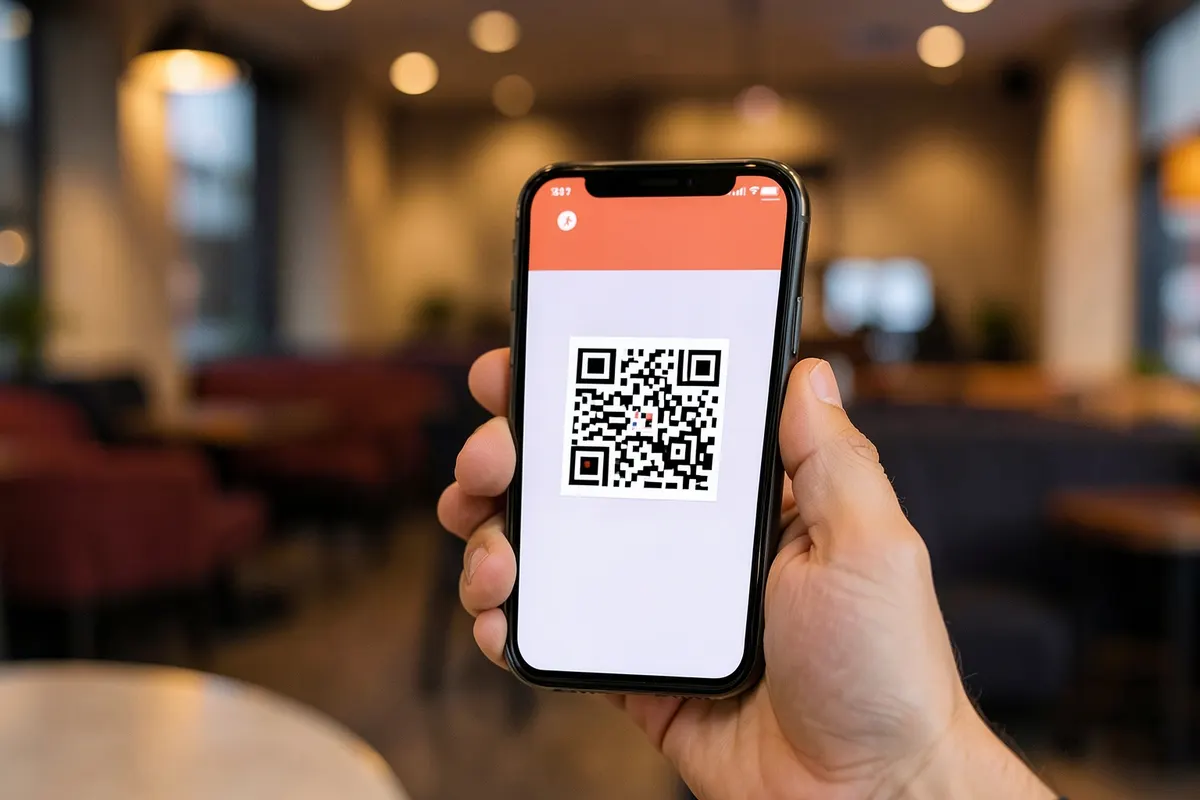
Free hosting places the menu at an address accessible via the internet, usually within the infrastructure of the chosen service. Then, this address is associated with the QR Code. The process may not require an initial payment, but it is essential to check permanence, limits, customization, support, security, and the possibility of updates.
What it means to host the menu
Hosting means keeping the menu files and information on a server so they can be accessed via an address. When a visitor scans the code, the mobile device requests this page from the server and displays the content in the browser. Therefore, printing the QR Code is not enough: the destination must remain available.
In a simple solution, the menu can be an editable page. In another, it can be a ready file published on the internet. For small businesses, the first option is usually more convenient when there are frequent changes, as it reduces the dependency on editing and resending files with each change.
What to check before choosing a free option
The word free describes the initial cost, but it does not alone explain the usage conditions. Read whether the address remains active, if there are ads, if the service limits access or edits, and if the content can be exported. Also, check if the page opens on a secure connection and if the link can be replaced without needing to reprint all the material.
There is also a difference between static QR Code and QR Code that relies on a redirection managed by third parties. In a static model, the design points directly to the defined address. In a model with redirection, the service can control the destination and establish its own rules. Understanding this difference avoids surprises after the disclosure.
Attention to the validity of the address
Not every free offer keeps the link indefinitely. There are services where free QR codes remain active for thirty days, and after that period, the hosted link expires. If the code has already been printed on tables or packaging, an expiration can interrupt customer access and require material replacement.
Before using any address in a campaign, confirm the permanence policy and record who manages the account. Also, conduct periodic checks: scan the code outside the establishment's internal network and confirm if the page continues to open. This care is simple and protects the investment made in promotion.
How to publish without compromising the experience
Start by gathering the actual content of the business: categories, items, descriptions, prices, add-ons, photos, hours, location, and ordering channels. Then, organize the page for vertical reading, with titles that guide the visitor and buttons that are easy to touch. Avoid hiding essential information in small images or in texts that require zoom.
After publishing, test the journey as a customer. Scan the QR Code with more than one device, open the page using a mobile connection, click on the links, and check if photos and buttons load. Ask someone who did not participate in the creation to locate a product and initiate contact. This test reveals doubts that go unnoticed by those who already know the menu.
The role of security and privacy
Even a simple menu needs to convey trust. An address with HTTPS connection, correct information about the business, and links that lead to the expected destination help the visitor navigate more comfortably. Avoid including personal customer data or collecting information without explaining the purpose.
When the menu connects to service, orders, or registration, the responsibility increases. NaInter.net informs that it operates in compliance with the LGPD and that registration data is processed for purposes related to the operation of microsites, email redirection, payments, and the operation of virtual attendants. To review general precautions, consult the guide on how to check if your site is secure and trustworthy.
- Gather updated business information, including items, prices, photos, hours, location, and ordering channels.
- Choose a hosting service that explains the link's permanence, usage conditions, security, and editing methods.
- Build the page with clear categories, objective descriptions, lightweight images, and visible contact buttons.
- Publish the menu and associate the page address with the QR Code that will be shared.
- Test the reading on different mobile phones and review all links before printing or sharing.
- Monitor the content and update the page whenever there is a change in the menu or operation.
How to choose tools to create a digital menu
Menu creation platforms
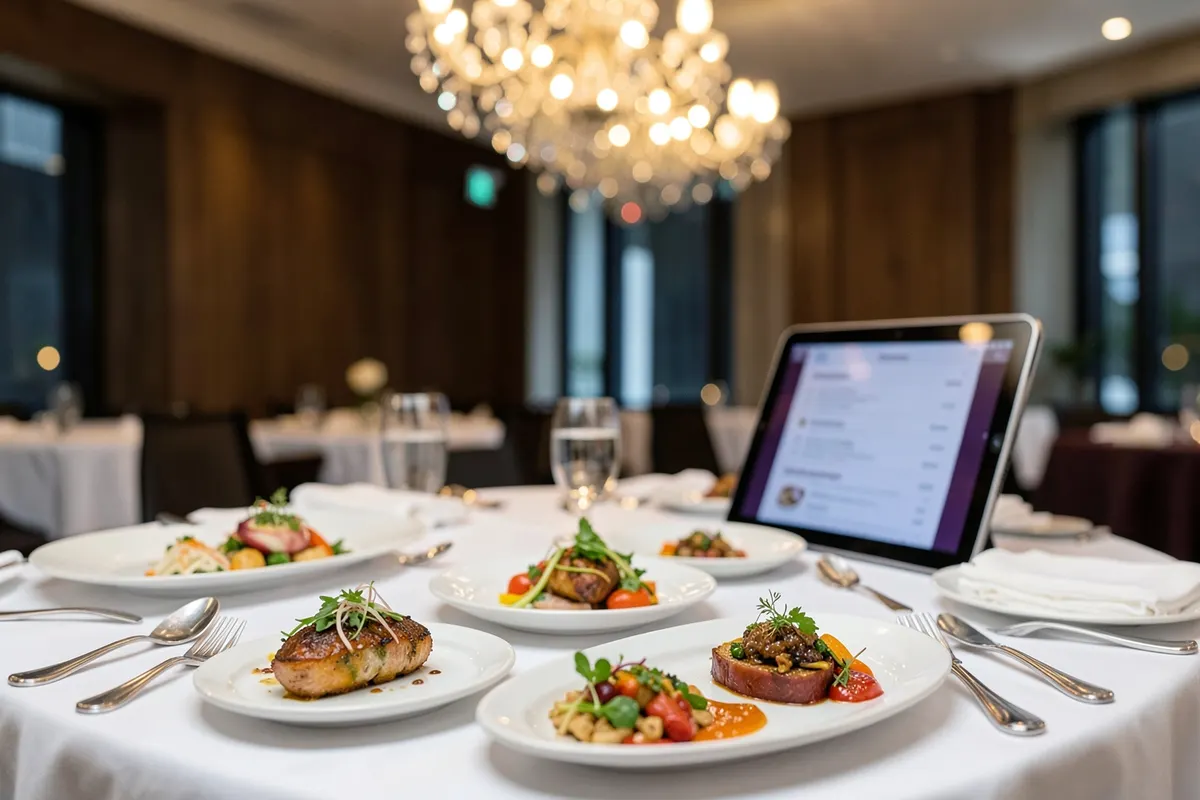
A menu creation platform organizes content and provides an area to edit items, categories, prices, photos, and establishment information. When choosing, prioritize ease of updating. The business owner should be able to correct a price or remove a product without relying on a complex task.
Also examine how the platform handles mobile viewing. The menu needs to adapt to small screens, maintain sufficient contrast, and load quickly even when the customer is using a mobile network. Features like a WhatsApp button, location, social media, and delivery can shorten the distance between browsing and ordering.
Another criterion is the transparency of the free plan. Read what happens to the address, the published content, and administrative access. Check if the tool offers a copy or export of the material, who can edit the page, and how to recover the account. The best option is not the one with the most features, but the one that supports the business routine without creating a dependency that is difficult to manage.
For those looking to combine menu, promotion, and service, NaInter.net offers professional website creation with artificial intelligence, menu hosting, service presentation, hours, location, photos, social media, delivery, and virtual assistance. This approach places the menu within a broader online presence, useful for businesses that want to concentrate information in their own address.
QR Code generators
The QR Code generator transforms the public address of the menu into an image that can be read by a camera. When choosing this tool, confirm that the final file has good resolution, that the contrast between the code and the background is sufficient, and that the destination can be tested before printing.
Keep a free margin around the code and do not cover the patterns with logos, text, or decorative elements. The material needs to remain legible in different sizes and lighting conditions. A beautiful code that does not open easily creates frustration and leads the customer to give up before consulting the menu.
Perform the reading after publishing, not just during creation. The test should confirm the open address, compatibility with mobile, image loading, and button functionality. If the QR Code points to a permanent address, any future changes need to be planned before printing. If it points to a redirection, follow the validity and management rules of the service.
In the promotion, add a short instruction, such as 'point the camera to view the menu.' This guidance helps people who are less familiar with technology. Also, maintain an alternative service option for those who cannot read the code, such as a contact button or support from the team.
- List the requirements that the platform must meet, including editing, mobile viewing, security, and contact channels.
- Compare hosting conditions and confirm that the address remains accessible according to the stated policy.
- Create the menu with reviewed content and organize the categories for quick reference.
- Generate the QR Code from the published address and maintain contrast, margin, and image quality.
- Apply the code to a test material and validate the reading before producing the final version.
- Instruct the team and customers on how to access the menu and maintain an alternative service option.
- Update prices and items without reprinting the material. → Use an editable page and keep the QR Code pointing to the same address.
- Promote the menu on tables, packaging, and social media. → Choose a stable address, generate a code with good readability, and test the scanning before distribution.
- Concentrate on the menu, location, delivery, and customer service. → Prefer an online presence that gathers this information on an organized page.
- Start without initial investment. → Consider a free hosting option, checking the link's validity, limits, and conditions before printing the code.
Continue reading

How to prioritize your online presence with an effective website
The importance of having a responsive website to boost your sales.